Wall Printers for Interior Design Studios: Bring Client Artwork Directly to the Wall
Your client's vision leaves their screen and lands on their wall — same day, on-site or in your studio. No print vendor. No MOQ. No compromise on colour fidelity.
Factory-direct · Since 2018 · 47 countries · 5-year spare parts guarantee · 4-hour first response SLA
Three Ways Interior Design Studios Use Wall Printers Today
From feature wall murals to tactile embossed finishes — studios that own their output control the quality, the timeline and the margin.
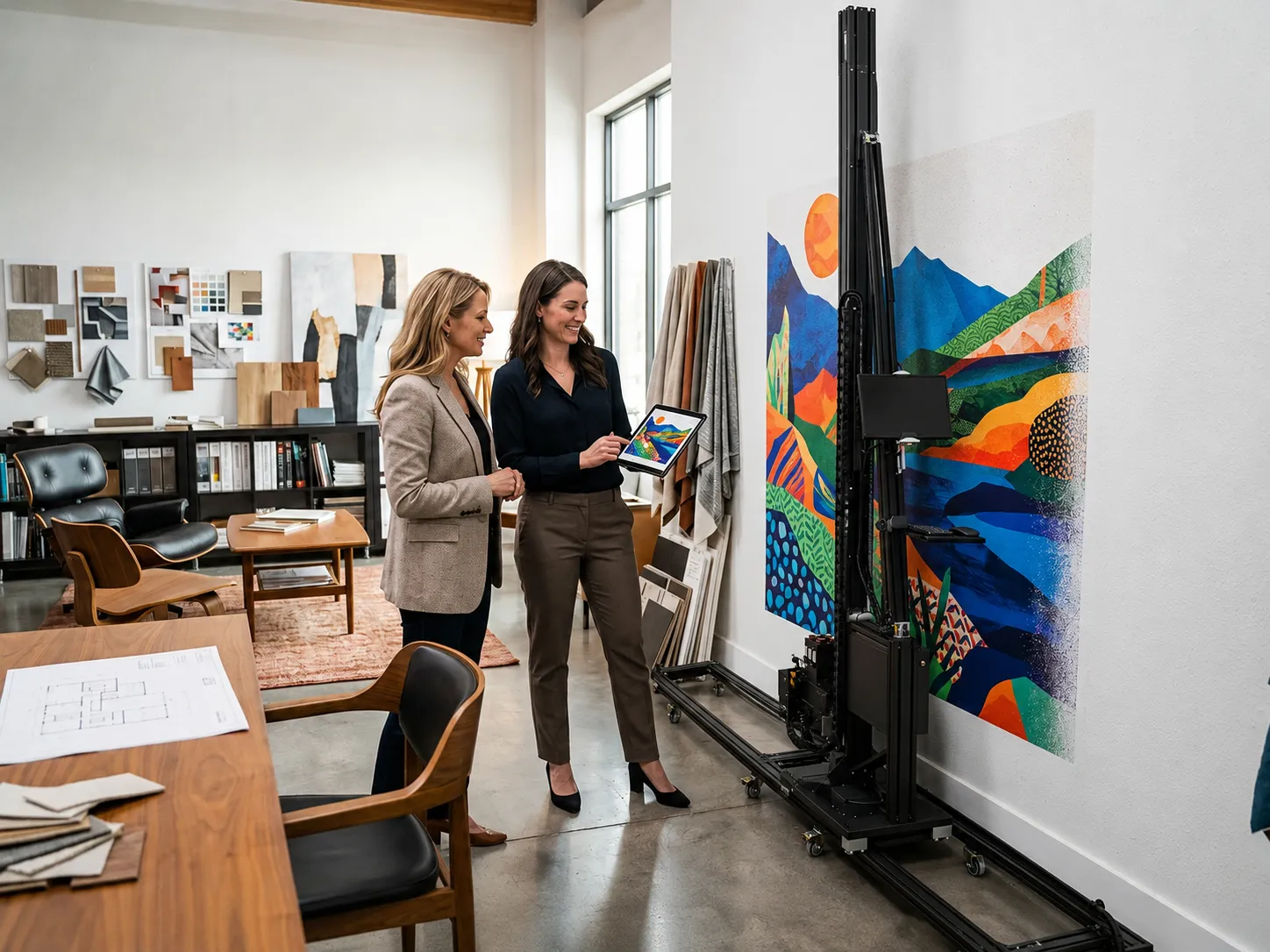
Feature Wall Murals from Client Artwork
Upload a client's own photography, illustration or commissioned digital artwork; the inkjet wall printer reproduces it at 2880 dpi directly on finished plaster or primed drywall. No scaling artefacts. No reprinting. The client reviews and approves in the room.
Tactile Embossed Texture Effects
Premium residential and boutique hospitality clients expect surfaces you can feel. The 3D wall printer lays relief up to 5 mm — stone-effect, woven fabric, geometric relief — adding a physical dimension no flat print or wallpaper can replicate.
Bespoke Custom Wallpaper on Demand
For projects where the substrate matters — linen-effect, non-woven, commercial vinyl — the wallpaper printer handles custom rolls in exact panel dimensions. One client, one pattern, zero leftover waste rolls.
From Client Brief to Finished Wall — Four Steps
Typical turnaround: same-day on-site delivery for flat inkjet; 24 hours for embossed or substrate production in-studio.
Client Brief
Collect the artwork file (AI, PDF, high-res JPG) and wall dimensions. Confirm surface prep requirements — primed, clean, no loose paint.
Design File Prep
Scale and colour-proof in WallPrintBox software. Run a soft-proof against the ink profile. Takes 15–30 minutes for a typical 4 × 3 m wall.
Test Swatch Print
Print a 0.5 × 0.5 m swatch directly on the wall for colour approval. Client signs off or requests adjustment — no reprinting the full wall.
Final On-Wall Delivery
Send the approved job to the printer. Vertical wall printers complete a 12 m² feature wall in 90–120 minutes at full quality. Invoice triggers at completion.
Client Artwork. On the Wall. In Hours.
No Vendor Minimum.
Three Machines. Match Each to Your Studio's Project Mix.
Most studios start with one machine and add a second as their project pipeline expands. We'll spec the right combination for your typical brief.
GP200I Starter
Single Epson I1600 · CMYK Printing · Lowest Startup Cost
Best for: irst-time buyers, small studios, custom wall décor businesses, and entrepreneurs entering the wall printing market.
View GP200I Wall Printer specs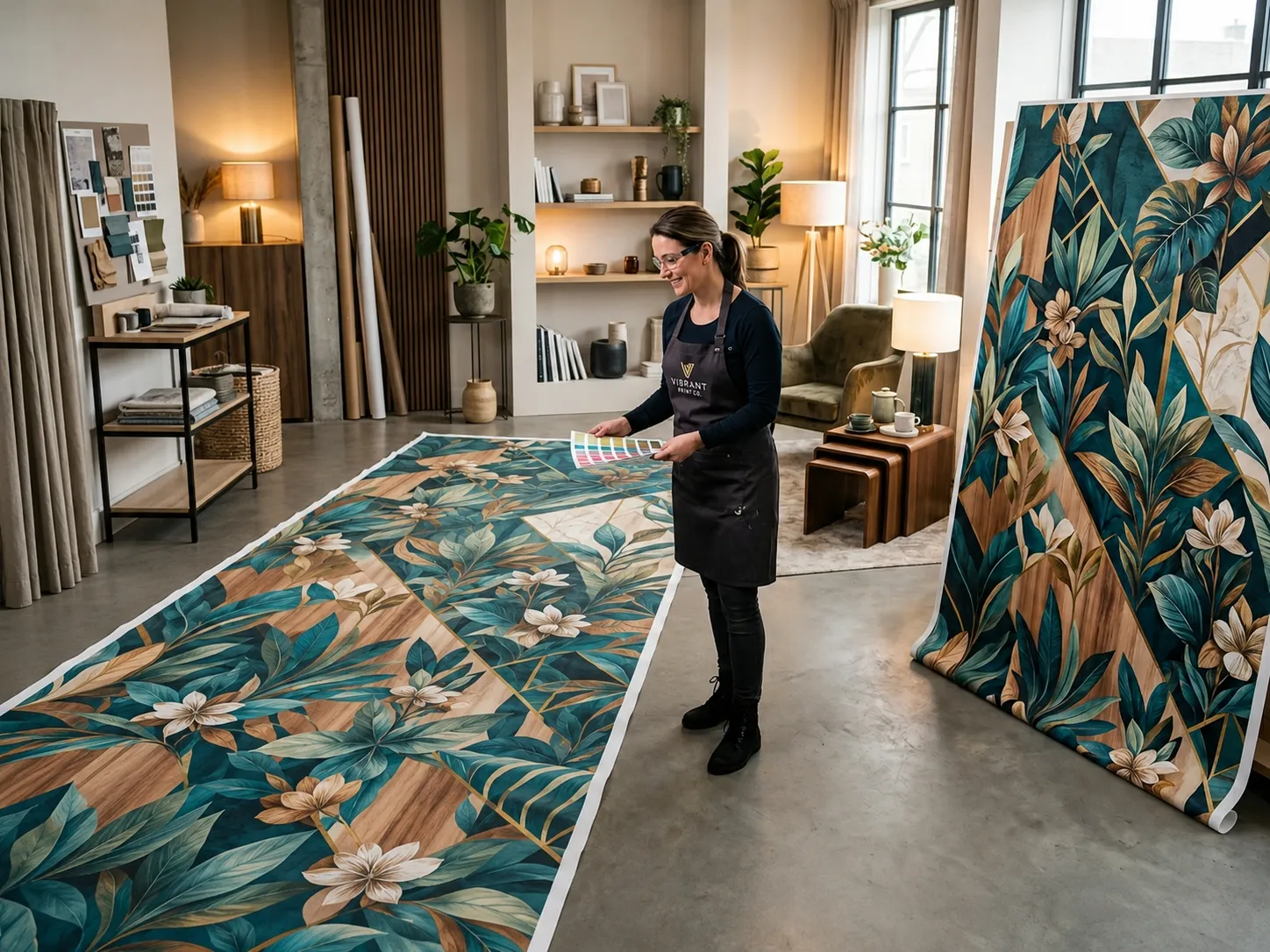
GP200L Pro
Dual Epson I1600 · CMYK+White · Most Popular Choice
Best for: commercial wall printing businesses that need white ink support, dark-wall printing capability, faster production speeds, and the strongest return on investment.
View GP200L Pro Wall Printer specs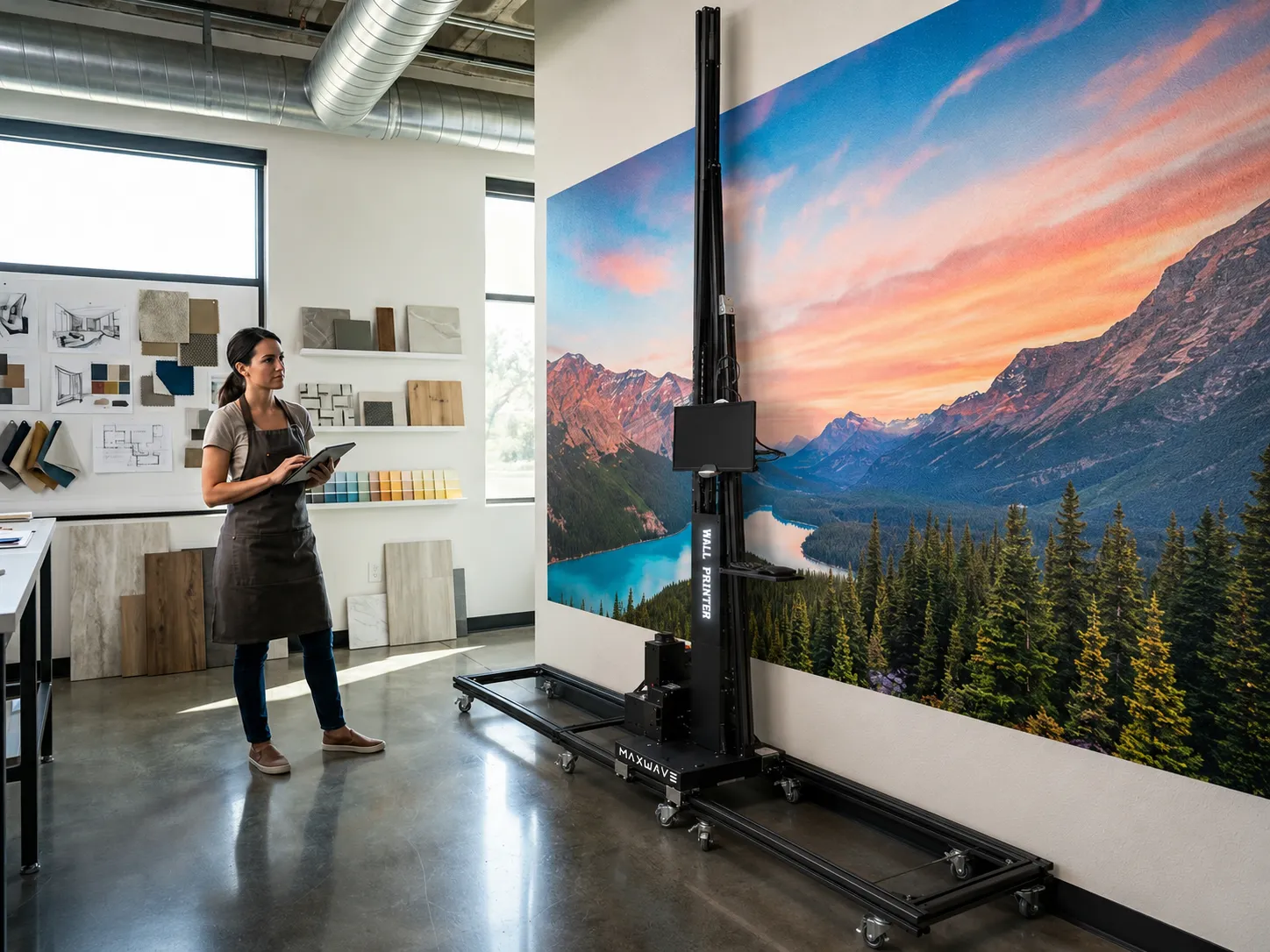
GP200X Flagship
Dual Epson I3200 · 7-Color Printing · Maximum Productivity
Best for: high-volume commercial projects, hotel chains, retail branding, premium interior decoration, and operators focused on maximum output and image quality.
View GP200X Wall Printer specsOn-Site Delivery or Studio Production — Which Jobs Go Where?
WallPrintBox wall printers can be used both on-site for customer projects and in a studio environment for producing decorative products. The right workflow depends on your business model and target market.
Direct Printing at the Customer's Location
- Print directly on office, hotel, retail, café, showroom, and commercial interior walls
- No wallpaper production, vinyl application, or panel installation required
- Customers see the final result immediately after printing
- Fits in a car, SUV, or small cargo van; setup typically takes around 30 minutes
Surface requirement: clean, dry, and structurally stable walls. Most painted interior walls are ready for printing with minimal preparation.
Create Repeatable Decorative Products
- Print on wood panels, acrylic sheets, PVC boards, canvas, and decorative materials
- Produce framed wall art, commercial display panels, and custom décor products
- Replicate the same design repeatedly for scalable production
- Operate in a controlled environment for consistent output and higher efficiency
Studio advantage: Turn your printer into a product manufacturing tool by creating repeatable décor products that generate recurring revenue beyond custom wall projects.
How Studios Charge a Premium for In-House Wall Printing
Studios that own the output own the margin. Three reasons clients pay more — and why commodity print vendors can't match it.
Bespoke Commands a Higher Project Fee
Custom artwork on wall commands 40–80% premium vs standard wallpaper or paint. Studios report adding $1,000–$4,000 per feature wall as a design service line item, billed separately from the room specification fee.
Faster Approval, Fewer Revisions
Client approves a swatch in the room, under actual lighting, against real furnishings. Revision rate drops from an industry-average 2.3 rounds (outsourced) to under 1 (in-house). Project closes faster; invoice lands sooner.
Design IP Stays in Your Studio
The artwork file never leaves your studio server. No print vendor sees the client's brand assets or commissioned illustration — critical for commercial clients with NDAs, brand governance and trademark sensitivity.
Tell Us Your Studio Workflow — We'll Spec the Right Machine Combination
Answer 3 questions about your typical project size and substrate preferences. Our technical team responds within 4 hours with a recommended configuration and FOB price.
Send Studio Spec RequestFrequently Asked Questions
Everything a design studio needs to know before speccing a wall printer.
Response within 4 hours · Support in EN / ES / AR / PT / FR