A cheap wall printer is not automatically a bad machine.
Factory-direct sourcing, simpler configurations, remote support, and lower distribution costs can all reduce the purchase price without making the equipment unusable. The problem begins when a low quotation leaves out the components, software, training, or support required to complete real customer projects.
A $4,000 machine-only quotation may eventually cost more than a transparent $7,000 package once shipping, ink, software, spare parts, and operator training are added.
Before choosing the lowest price, ask one practical question:
What will this wall printer cost when it is delivered, configured, and ready to complete paid work?
This guide explains what different price levels usually include, where low-cost machines may compromise, and what you should verify before sending payment.
What Does a Cheap Wall Printer Actually Cost?
Wall printer prices vary according to the printhead, ink system, frame, sensors, software, support, and shipping terms.
The ranges below are general market categories rather than fixed prices.
Wall Printer Category | Typical Machine Price | What Buyers Can Usually Expect |
|---|---|---|
Basic entry-level system | $3,000–$6,000 | Single printhead, basic frame, manual setup and remote support |
Better-equipped entry system | $6,000–$10,000 | Recognized Epson printhead, UV ink, improved sensing and software |
Commercial factory-direct system | $10,000–$20,000 | Stronger mechanics, white ink, better automation, training and spare parts |
Premium regional system | $30,000–$60,000+ | Local training, longer warranty, local service and business resources |
The lowest category can be suitable for testing the market or completing occasional indoor murals. It becomes less attractive when the business needs regular commercial production, white ink, multiple materials, fast technical support, or strict project deadlines.
The correct comparison is not cheap versus expensive. It is basic capability versus the requirements of your actual business.
Why Can Two Similar Wall Printers Have Very Different Prices?
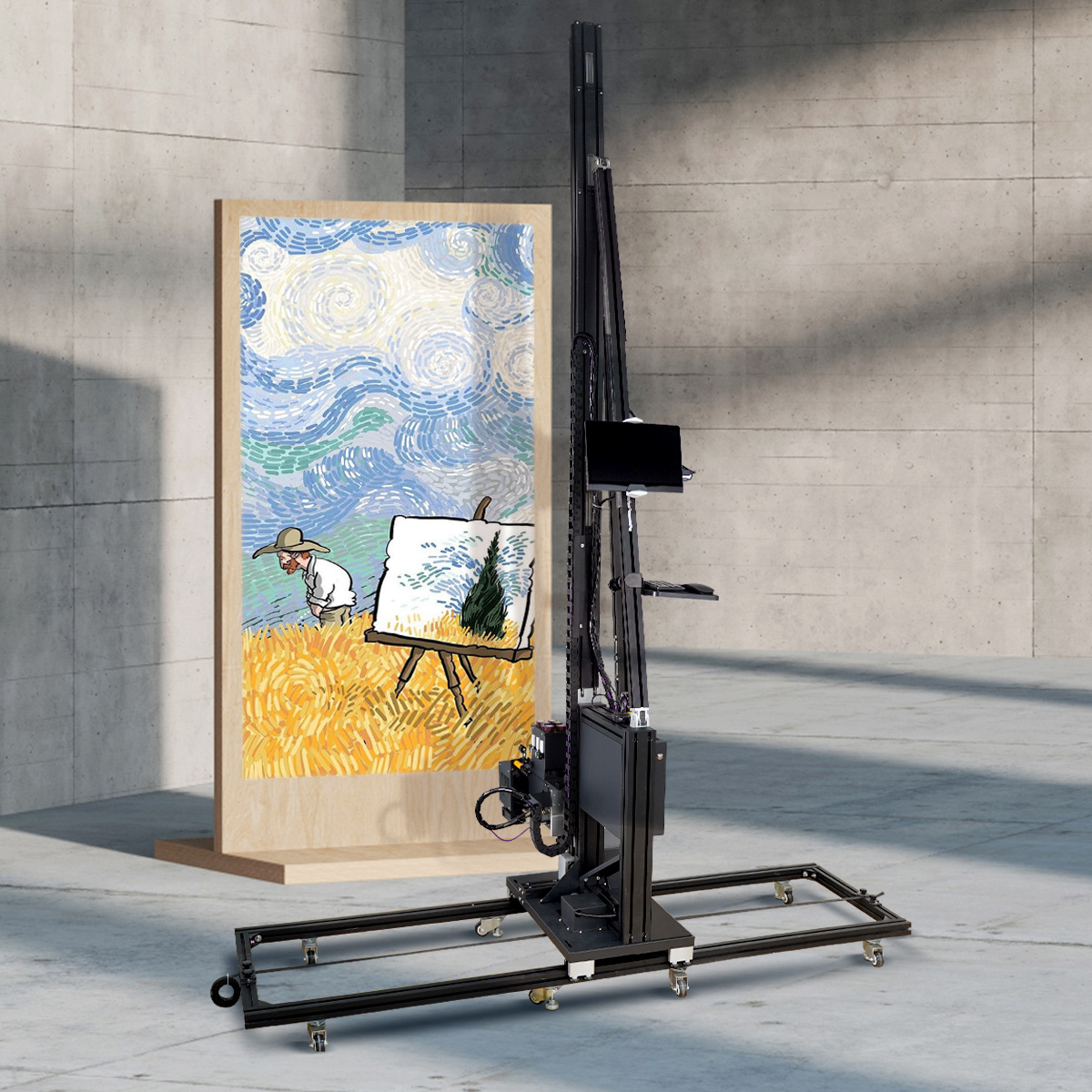
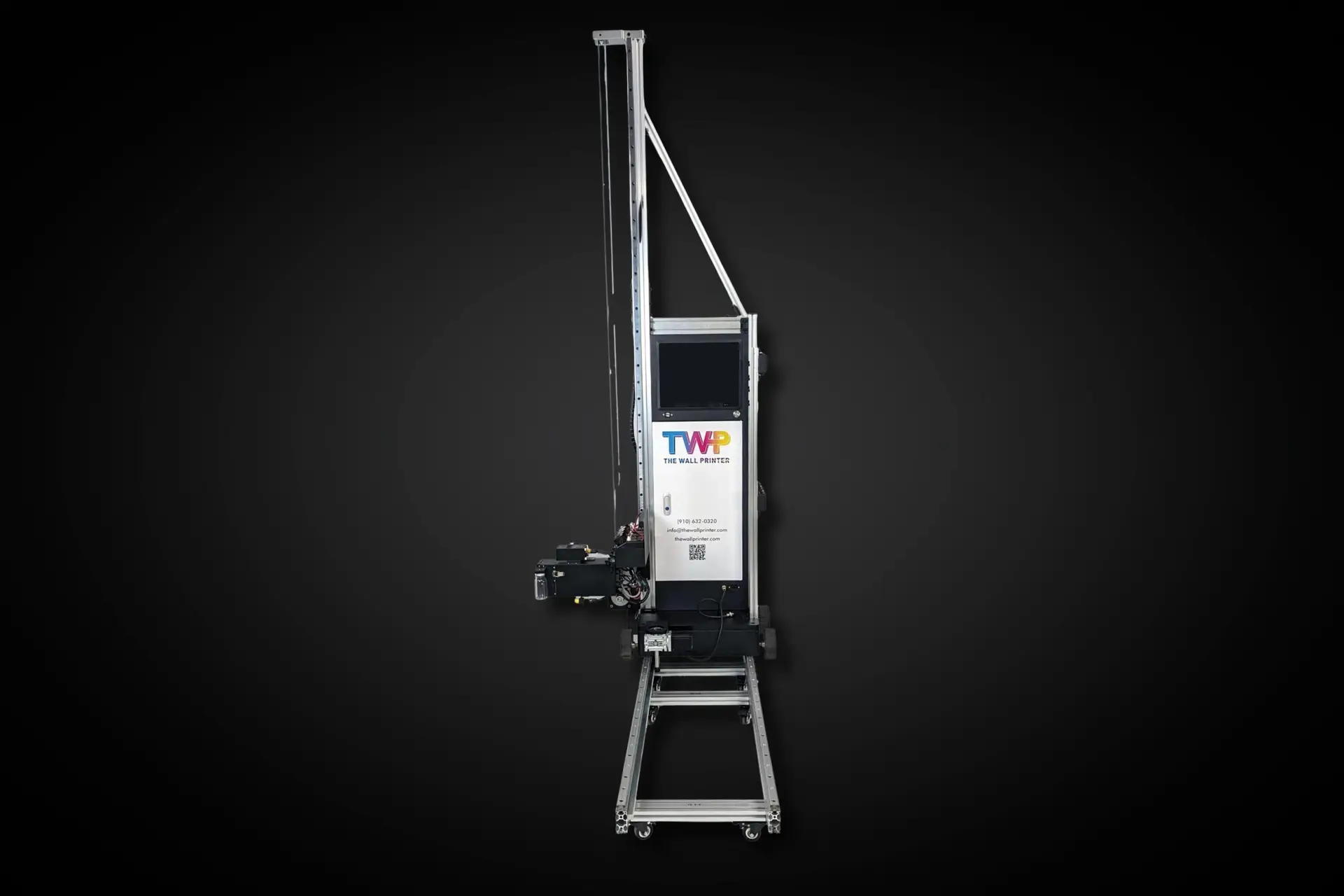
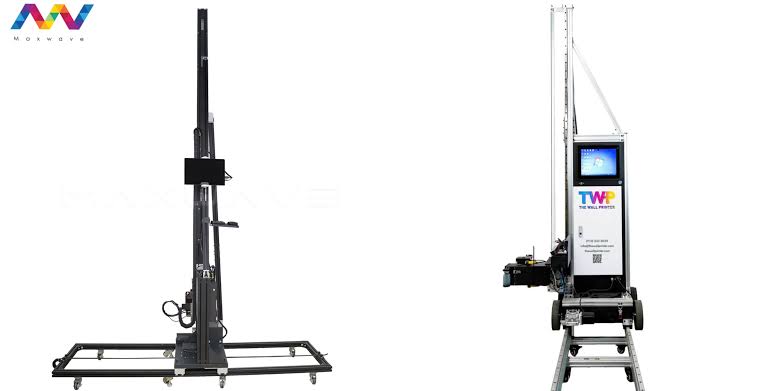
Two machines may look almost identical in product photographs while using different internal components.
The largest price differences usually come from the printhead, motion system, ink configuration, sensors, software, included accessories, and support model.
A factory may also quote an FOB price that covers only the machine at the port of departure. A regional supplier may quote a higher delivered price that includes freight, import handling, training, installation, and local service.
Neither pricing method is automatically better. Buyers simply need to compare the same scope.
A low-cost quotation becomes risky when it is unclear about what is included.
1. Confirm the Exact Printhead
The printhead is one of the most important and expensive components in a wall printer machine.
Do not accept descriptions such as “Epson technology,” “Epson-compatible,” or “industrial printhead.” Request the exact model.
Common configurations may use Epson DX-series, I1600, or I3200 printheads. Each differs in nozzle count, ink channels, production speed, replacement cost, and maintenance requirements.
You should confirm whether the printhead is:
Original and new;
Refurbished or used;
Locked to a specific ink;
Configured for color only or color plus white;
Available separately as a replacement.
A cheap machine with a difficult-to-source printhead may create more downtime than the initial savings justify.
Ask for a clear photograph of the printhead label and a written replacement price before purchasing.
2. Compare Real Print Quality and Speed
Maximum DPI is one of the easiest specifications to advertise and one of the least useful when viewed alone.
A machine may claim 1440 or 2880 DPI, but the highest-resolution mode usually requires more passes and operates much more slowly than the advertised maximum speed.
The supplier should demonstrate the machine at the quality level you expect to use for customer work.
Provide your own image and request a timed print that shows the wall material, print dimensions, DPI, pass count, white-ink use, setup time, and complete printing time.
Inspect the finished result for:
Horizontal banding;
Blurred text;
Uneven gradients;
Color inconsistency;
Misalignment;
White-ink registration;
Detail loss on textured areas.
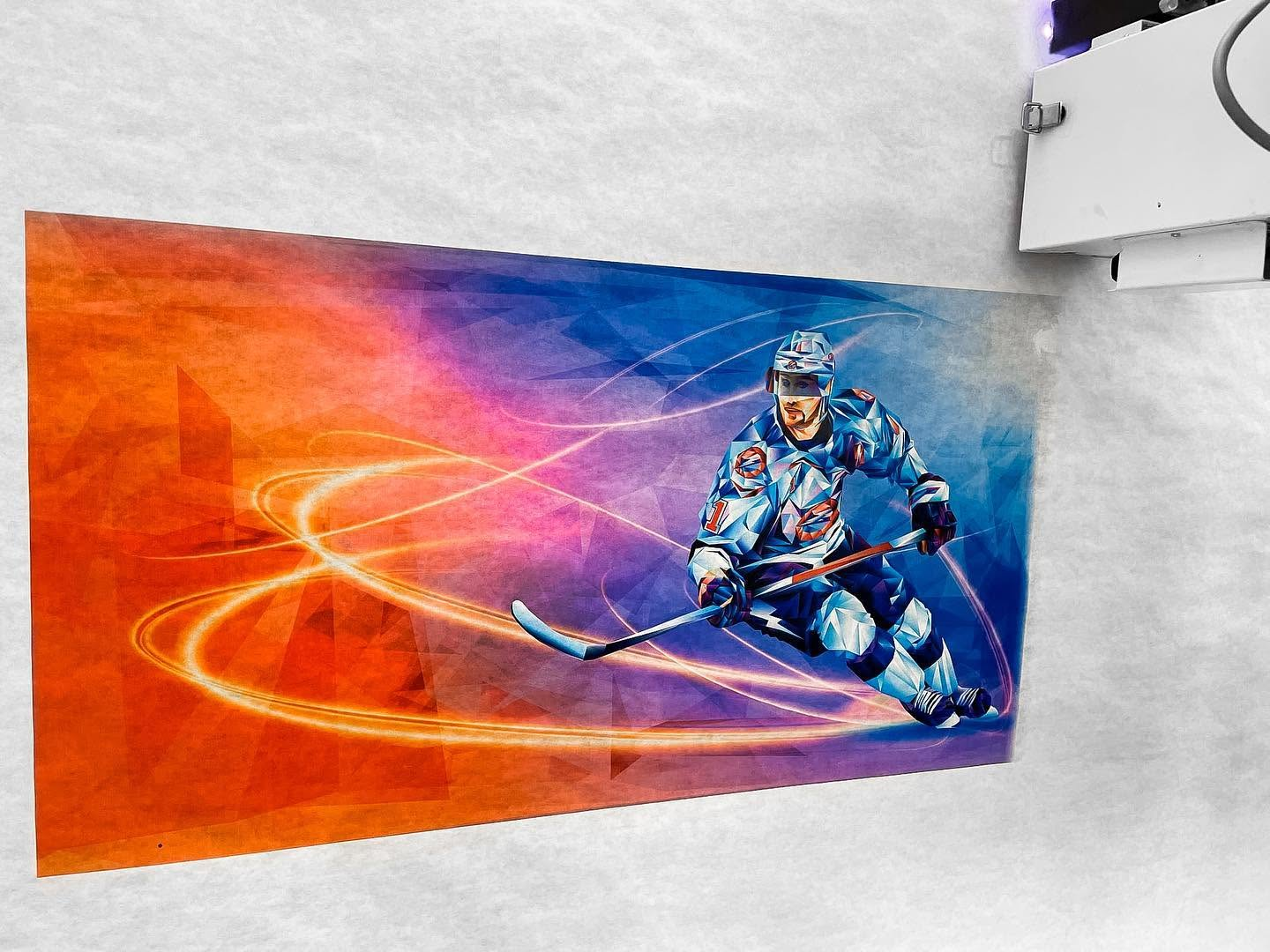
The commercially useful speed is the speed at which the printer produces acceptable customer work—not the fastest draft mode on a smooth white panel.
3. Check the Frame, Rails and Wall-Distance System
A good printhead cannot compensate for an unstable mechanical structure.
As the printing carriage moves vertically, low-quality rails, loose connections, frame vibration, and inconsistent motor control may cause banding, image drift, or poor registration.
The automatic wall-distance system is equally important.
Walls are rarely perfectly flat. The printer should maintain a safe distance from small surface variations and stop or warn the operator when the surface exceeds its working range.
Ask the supplier to demonstrate the machine on more than smooth drywall. A useful test should include a lightly textured wall, brick, or concrete.
Also confirm the effective printable height. The total machine height is not always the same as the maximum image height because space may be required above and below the printhead carriage.
A stable frame and reliable sensing system are more valuable than an impressive resolution number on an unstable machine.
4. Understand the Ink System and Ongoing Cost
Low-cost machines may use inexpensive hardware but recover the difference through ink and consumables.
Ask whether the wall printer machine uses an open ink system or requires ink purchased from the original supplier. Also confirm whether using another compatible ink will affect the warranty.
The quotation should state:
Ink type;
Price per liter;
Starter ink quantity;
CMYK or CMYK plus white configuration;
White-ink circulation method;
Expected ink consumption under stated test conditions;
Cleaning-fluid and maintenance-supply prices.
White ink expands the application range to dark walls, glass, wood, tile, metal, and other colored materials. It also requires more maintenance because white pigment can settle in the ink lines.
A cheap white-ink machine without effective circulation, agitation, or maintenance procedures may experience frequent clogging.
Do not judge ink cost from a supplier’s lowest possible figure. Actual consumption depends on image coverage, wall porosity, white underprinting, cleaning cycles, and discarded ink.
Request a measured ink-consumption result from the same sample used for the speed test.
5. Verify the Software License
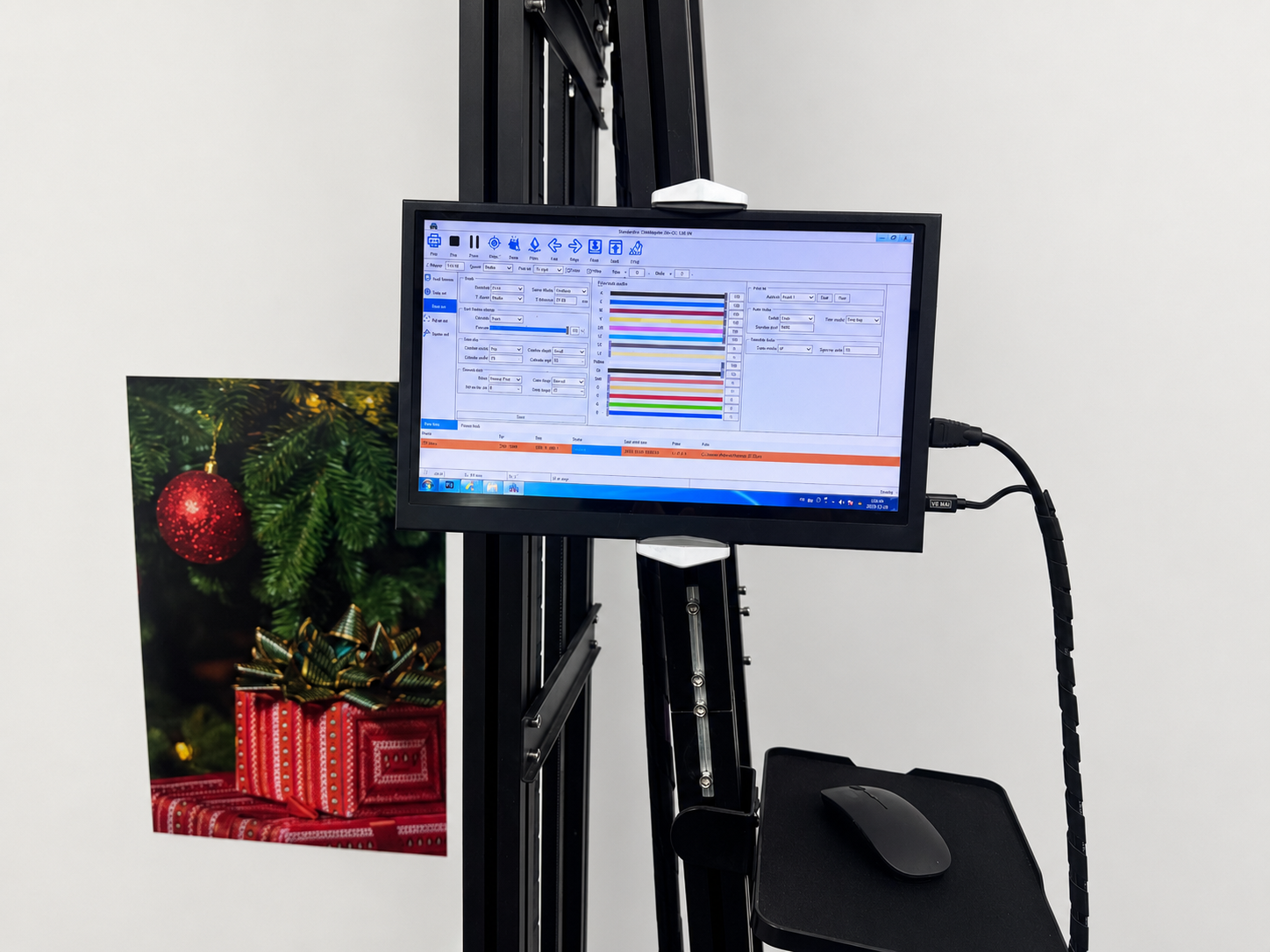
A wall printer depends on both control software and RIP software.
The control software manages movement, positioning, wall dimensions, and machine calibration. RIP software processes the image, ink channels, color output, white layers, and print modes.
Before buying, confirm whether the software is:
Permanently licensed or subscription-based;
Included in the quotation;
Tied to one machine or computer;
Able to operate offline;
Available in your preferred language;
Updated free of charge or through paid renewals;
Supported if the original control computer fails.
Some low quotations include only a temporary software license or an unofficial copy that may stop working after a computer update.
Ask for the software name, license terms, and renewal costs in writing.
A machine without stable, legally licensed software is not ready for commercial use.
6. Calculate the Complete Delivered Cost
The number on the first quotation may cover only the machine.
The complete startup budget may also include freight, import duties, taxes, customs clearance, software, ink, extension rails, a control computer, voltage protection, transportation cases, training, and spare parts.
A useful quotation should clearly distinguish among EXW, FOB, CIF, and DDP terms.
Cost Item | Questions to Ask |
|---|---|
Shipping | Does the price include delivery to my address or only to a port? |
Taxes and customs | Who is responsible for duties, clearance and local fees? |
Software | Is the full license included permanently? |
Ink | How much starter ink is included? |
White ink | Is it standard or an optional upgrade? |
Rails | What is the standard print height, and what do extensions cost? |
Training | Is live setup and operating instruction included? |
Spare parts | Which maintenance and replacement components arrive with the machine? |
Warranty freight | Who pays to ship replacement parts? |
Compare the delivered, installed, and ready-to-print price—not only the factory machine price.
7. Check Spare-Parts Availability
All wall printers require routine maintenance and eventual component replacement.
Before purchasing, request current prices and typical delivery times for the printhead, dampers, filters, capping station, wipers, pumps, sensors, motors, belts, control board, and UV lamp.
A supplier should also explain which parts are considered consumables and which are covered by the warranty.
Cheap equipment becomes expensive when a small failed component keeps the printer offline for several weeks.
For a commercial wall printing operation, purchasing a basic spare-parts kit with the machine can reduce avoidable downtime. Focus on inexpensive components that can stop production when they fail.
Spare-parts availability is part of the machine specification, even though it rarely appears in the main product table.
8. Evaluate Training, Warranty and Technical Support
A beginner does not need a complicated multi-week training program, but the supplier should provide a structured workflow.
Training should cover assembly, calibration, artwork preparation, wall inspection, white-ink operation, test printing, cleaning, shutdown, and common error handling.
Ask whether support is available through video calls, phone, email, or messaging platforms. Confirm the normal response hours and whether assistance remains free after the warranty expires.
A written warranty should identify:
Warranty duration;
Covered components;
Printhead exclusions;
Labor charges;
Replacement-part shipping costs;
Damage caused by ink or maintenance errors;
Technical support after the warranty period.
Avoid relying on a general statement such as “one-year warranty” without knowing what the year actually covers.
For example, WallPrintBox uses a Business-in-a-Box approach that can combine the wall printer, software, ink, spare parts, setup training, operating guidance, marketing materials, and ROI-planning tools in one package. This type of complete offer may cost more than a machine-only quotation but can reduce missing components and startup delays.
When Does a Cheap Wall Printer Make Sense?
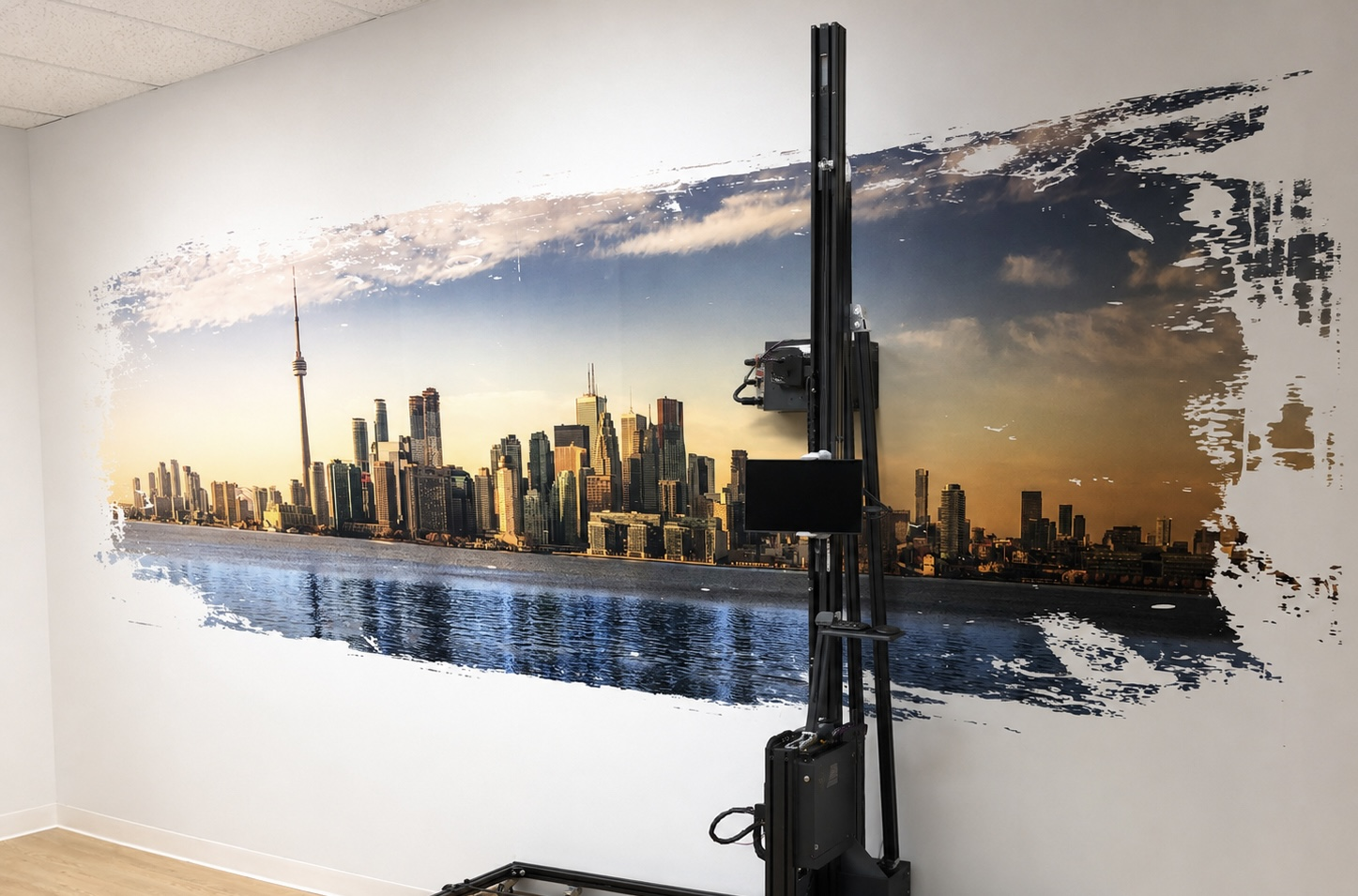
A lower-cost wall printer can be a sensible choice when the buyer is testing local demand, has limited monthly volume, and mainly expects to print smooth indoor walls.
It may also work for operators who are comfortable with remote support, routine maintenance, and longer international parts-delivery times.
The machine should still have a genuine printhead, stable software, accessible spare parts, and enough support to complete the first customer projects.
Low price can be an advantage when it comes from factory-direct sourcing and a simpler configuration—not from missing essential components.
When Should You Avoid the Cheapest Option?
The cheapest machine may be a poor fit when wall printing will become a full-time service, commercial deadlines are strict, or customer projects involve dark walls, rough surfaces, glass, tile, outdoor applications, or other demanding materials.
It may also be unsuitable when the company cannot tolerate several days of downtime or does not have anyone willing to learn basic troubleshooting.
A low-cost printer should not be purchased simply because it leaves more budget available. It must still be capable of completing the jobs that generate the business’s revenue.
If the machine’s limitations exclude the projects already in your pipeline, it is not a cheap solution—it is the wrong equipment.
Cheap Wall Printer Warning Signs
Be cautious when a supplier cannot provide the exact printhead model, a full live-printing video, permanent software terms, consumable prices, or replacement-part delivery times.
Other warning signs include a quotation that omits shipping terms, an unusually high advertised speed without DPI or pass settings, unclear white-ink maintenance, and a warranty that excludes almost every expensive component.
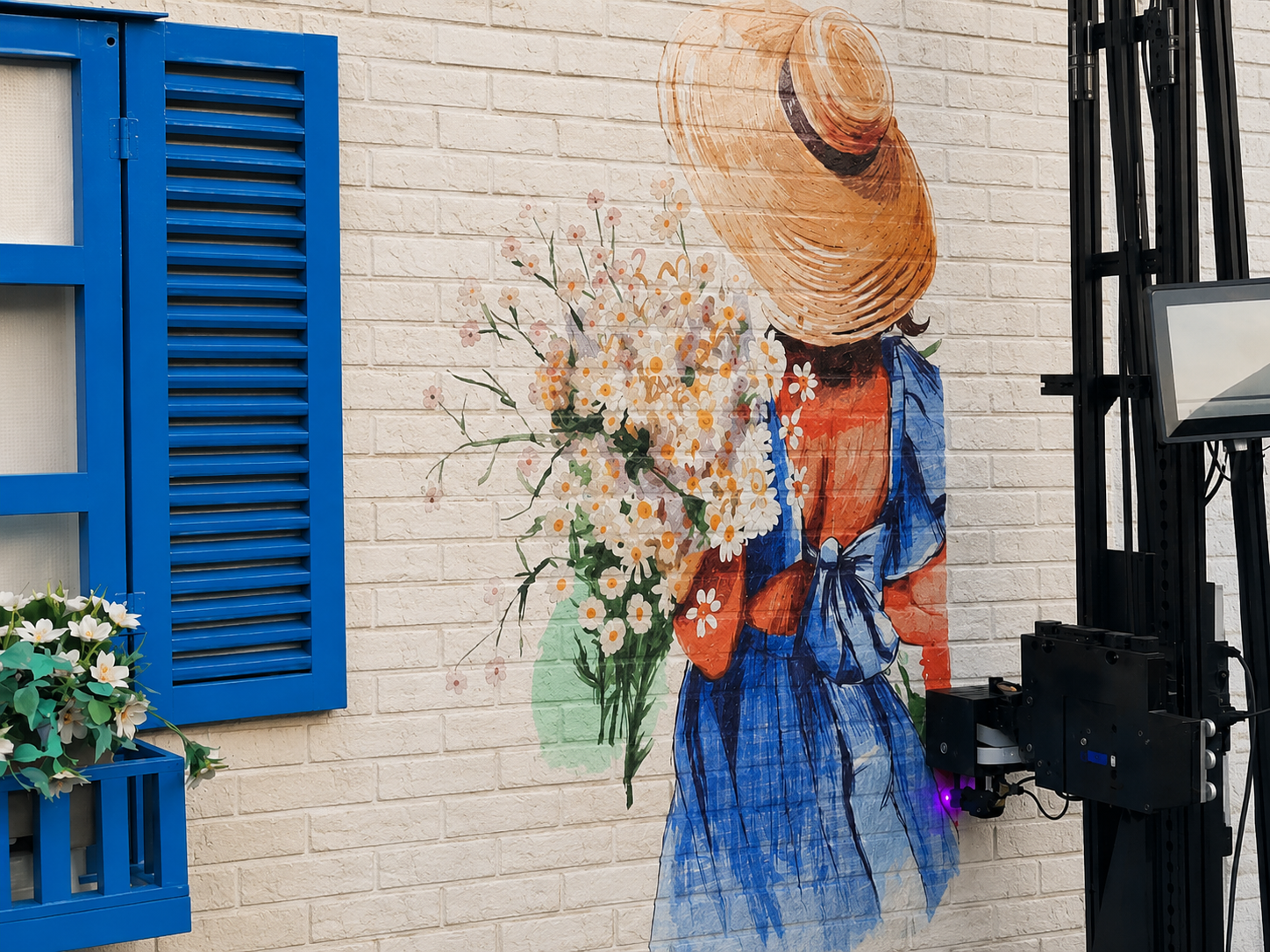
Professional product photographs and polished sample walls do not prove that the machine arriving at your business will have the same configuration.
The supplier should be willing to show the actual machine, its serial labels, internal components, software, calibration process, and complete print test.
What Should You Request Before Paying?
Before transferring money, ask for one complete purchasing package containing:
An itemized quotation with delivery terms;
Exact printhead and ink configuration;
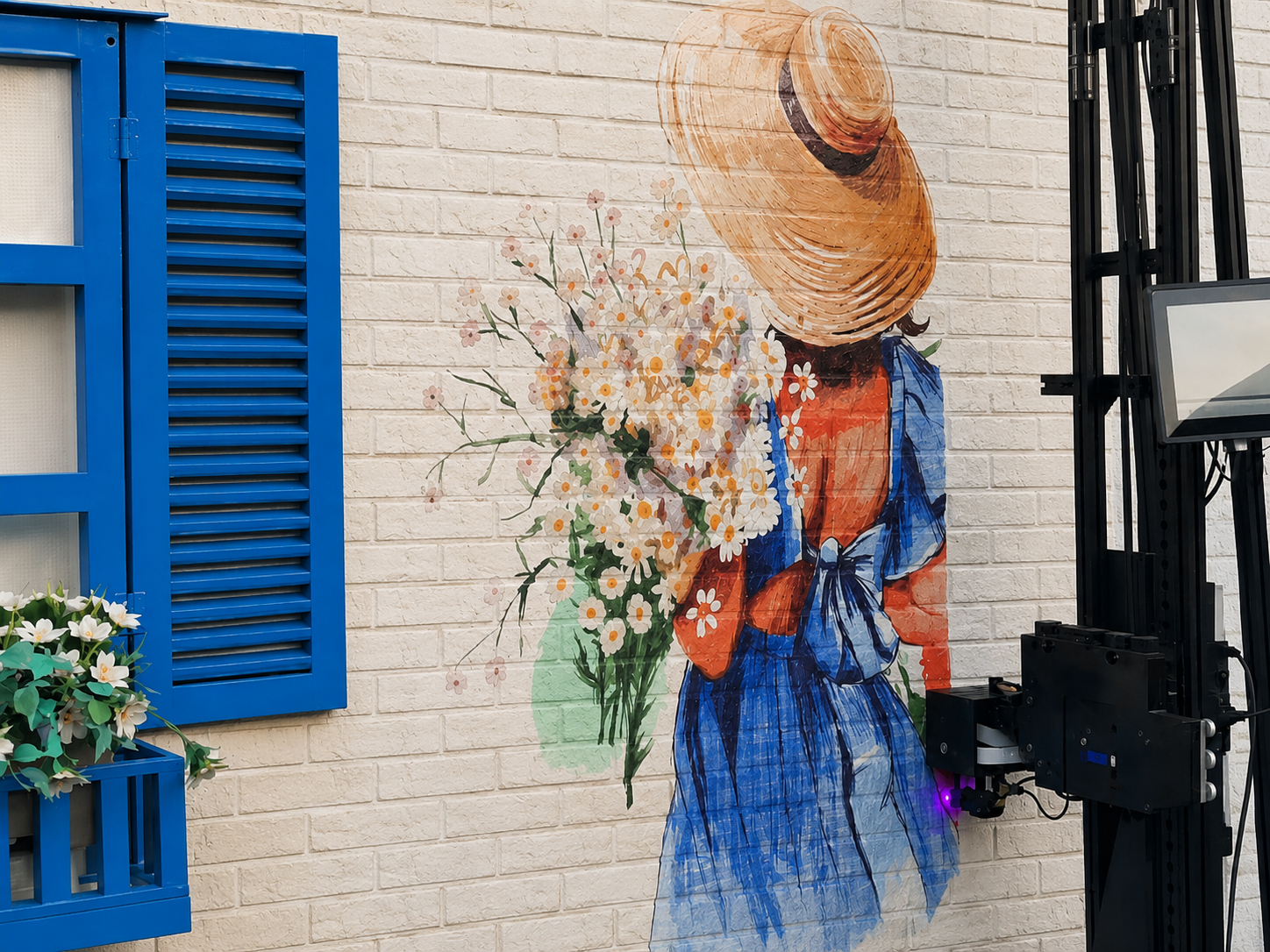
An unedited sample-print video using your artwork;
Real speed, DPI, pass count and ink-consumption data;
Software-license documentation;
A packing list;
Spare-parts and consumable prices;
Written warranty and support terms.
You should also request a video call with the exact machine configuration being purchased, particularly when ordering directly from an overseas factory.
A supplier confident in the equipment should be willing to document what you are buying before receiving payment.
Conclusion
A cheap wall printer can be a practical entry into the wall printing business, but the lowest quotation is not always the lowest-cost option.
The real value depends on the printhead, frame, sensors, ink system, software, included accessories, spare-parts availability, and technical support.
Do not choose a machine only because it advertises 2880 DPI, high speed, or an unusually low factory price. Ask the supplier to prove the configuration through a real-material test and provide the complete delivered cost in writing.
The best low-cost wall printer is not the machine with the smallest invoice. It is the lowest-priced system that can reliably complete your customer projects without creating immediate upgrade, support, or downtime problems.
Evaluating an affordable wall printer?
Send WallPrintBox your target wall materials, typical mural dimensions, expected monthly workload, budget, and delivery country. The team can recommend an appropriate configuration, arrange a sample print using comparable materials, and provide an itemized delivered quotation so you can compare the complete startup cost—not only the machine price.